
InBound Caller ID Integration
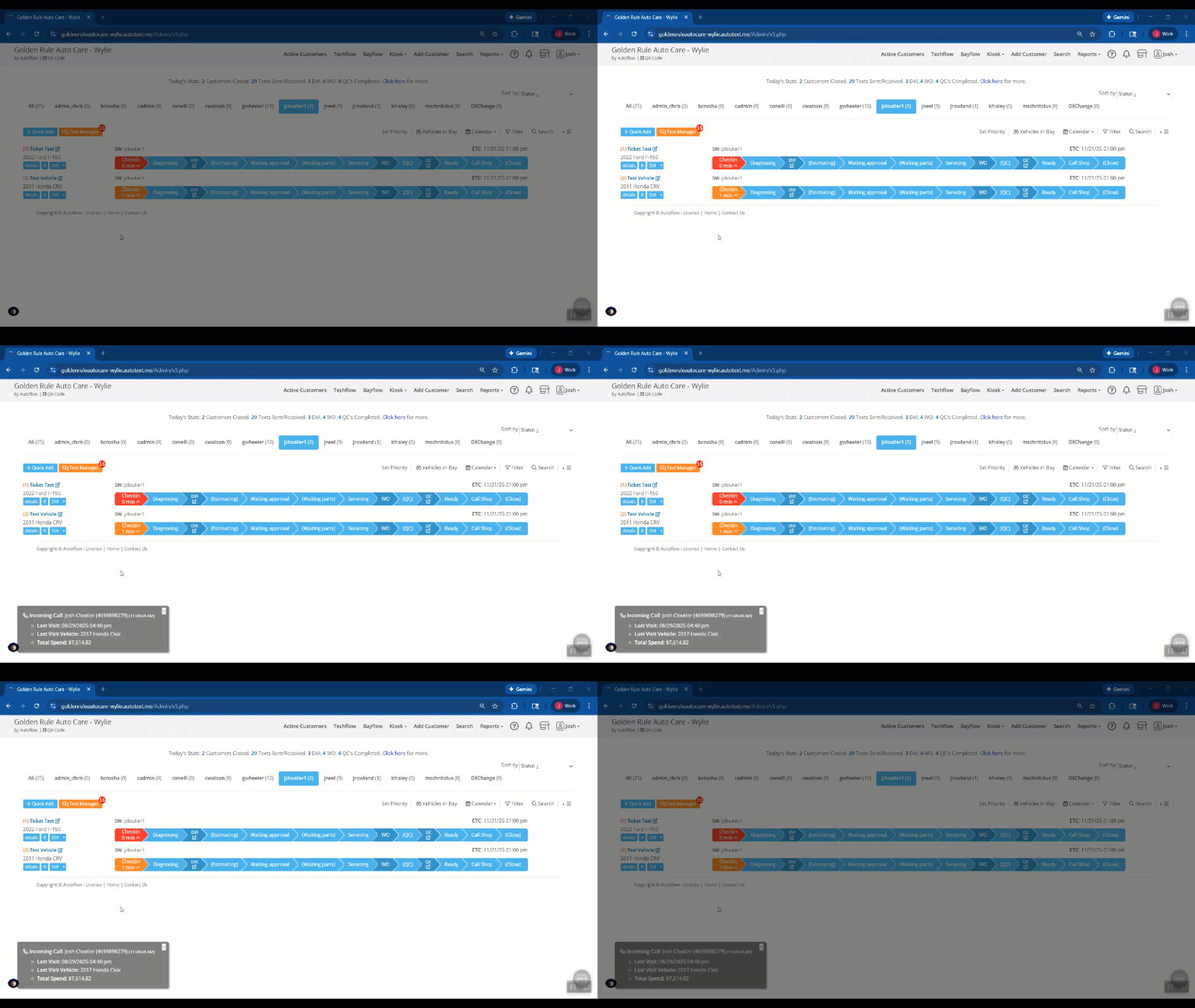
Autoflow clients who use Inbound for phone services can now see caller ID popups inside Autoflow
How it Works:
When Enabled:
- Incoming Calls appear with information in the client profile
- Name
- Number they are calling from
- Existing customer info
- Last Visit
- Last Visit vehicle
- Total Spend
- Popups close after a period of time
- Popups indicate if a call is incoming or answered.
Setup:
Autoflow and Inbound coordinate with credentials which are entered in Autoflow’s Integration Setup Page.
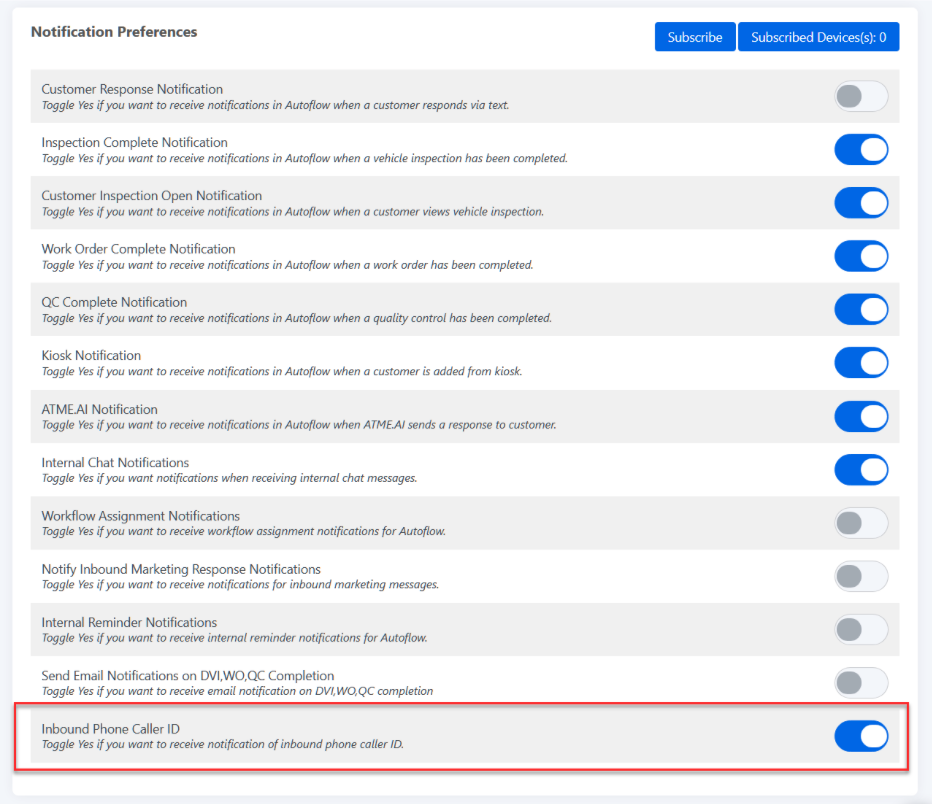
Each User can then choose to enable the popup with their own user preference.
Goto: User Settings > Scroll to Notification Preferences > Click ON


